

Latest Version
Sahil Chaddha
Security
Mac
Free
6450863267
Report a Problem
More About Keyshield - Password Manager
Picture this: you are in the middle of a busy workday on your Mac, trying to log into a crucial business portal, only to realize you have forgotten the complex password you created last month. Instead of resetting your credentials yet again and compromising your workflow, a dedicated utility like Keyshield - Password Manager can securely retrieve your details in a single click.
What is Keyshield - Password Manager?
Developed by Sahil Chaddha, Keyshield - Password Manager is a dedicated utility built specifically for macOS users. Designed to integrate seamlessly with Apple's secure ecosystem, this application offers a highly reliable way to store, organize, and retrieve sensitive digital credentials without relying on third-party cloud servers that might be vulnerable to external breaches.
The Power of Local Apple Keychain Integration
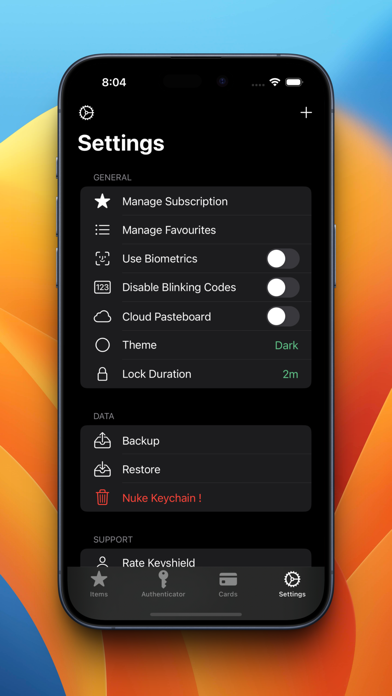
Unlike many contemporary credential managers that store your private information on their own proprietary servers, the Keyshield - Password Manager leverages Apple's native infrastructure. Your data is stored securely on your Mac device utilizing built-in iOS and macOS Keychain technology. For those who require multi-device access, it synchronizes effortlessly via your private iCloud Keychain vault, ensuring that your data remains shielded behind your personal Master Password at all times.
Key Features of Keyshield - Password Manager
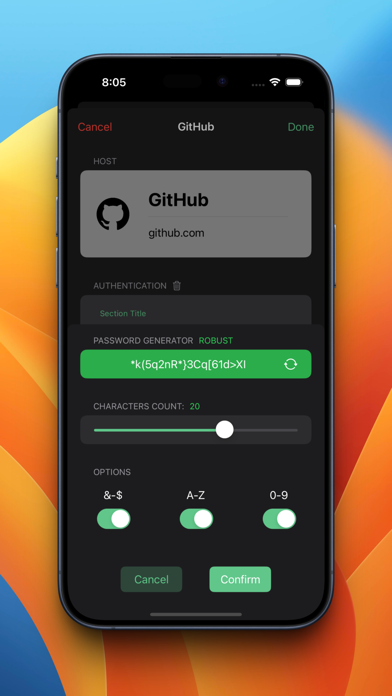
- Advanced Local Encryption: Added layers of security on top of the native Apple Keychain architecture protect your sensitive information.
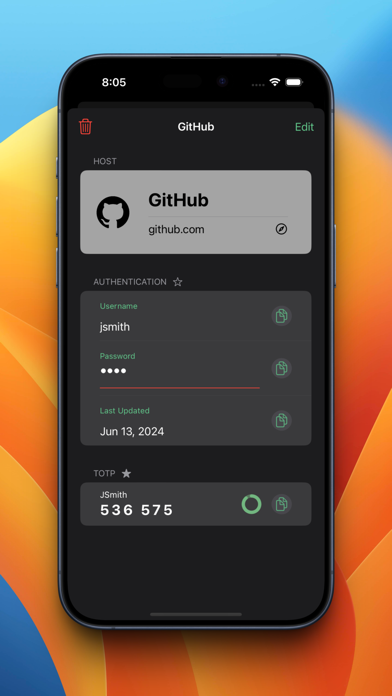
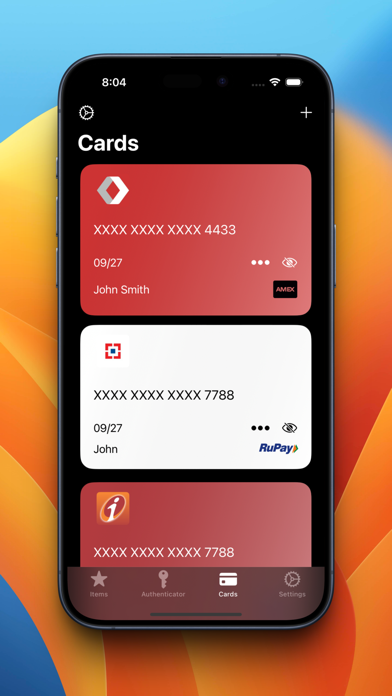
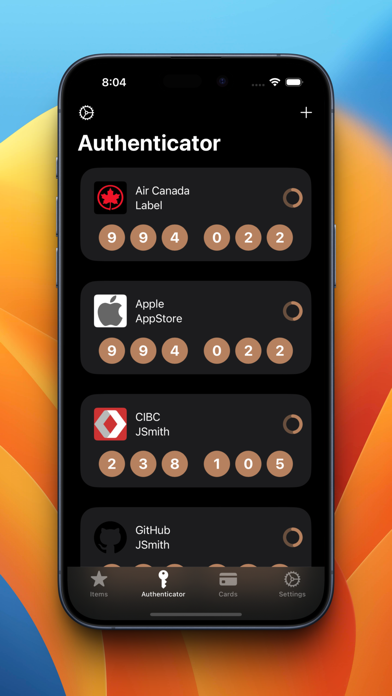
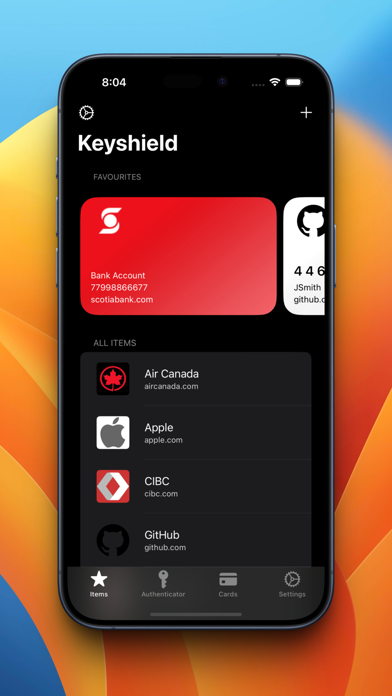
- Comprehensive Digital Vault: Store more than just standard login details; safely organize credit cards, bank account details, and private notes.
- Master Password Protection: Only you hold the master key. Your primary password is never shared or stored on external developer servers.
- Seamless Import and Export: Easily back up your data or transition between systems with fully encrypted file transfers protected by your master key.
Who is this Security Tool For?
This software is highly recommended for Mac users who prioritize absolute privacy and want to avoid expensive monthly subscriptions for cross-device password synchronization. Because it operates within Apple's secure garden, it provides a seamless, native experience that feels right at home on macOS.
An Editorial Perspective
If you are looking for a reliable, native solution to manage your digital identity, Keyshield - Password Manager offers an excellent balance of accessibility and uncompromising security. To explore this utility further and add it to your workflow, head over to the official Mac App Store to get started.
Rate the App
User Reviews



Popular Apps










Editor's Choice